Home | MAS
Open-source Windows and Office activator featuring HWID, Ohook, TSforge, KMS38, and Online KMS activation methods, along with advanced troubleshooting.
How to Activate Windows / Office / Extended Updates (ESU)?
Method 1 - PowerShell ❤️
Method 2 - Traditional (Windows Vista and later)
- To activate additional products such as Office for macOS, Visual Studio, RDS CALs, and Windows XP, check here.
- To run the scripts in unattended mode, check here.
MAS Latest Release
Last Release - v3.7 (11-Sep-2025)
GitHub / Azure DevOps / Self-hosted Git
Features
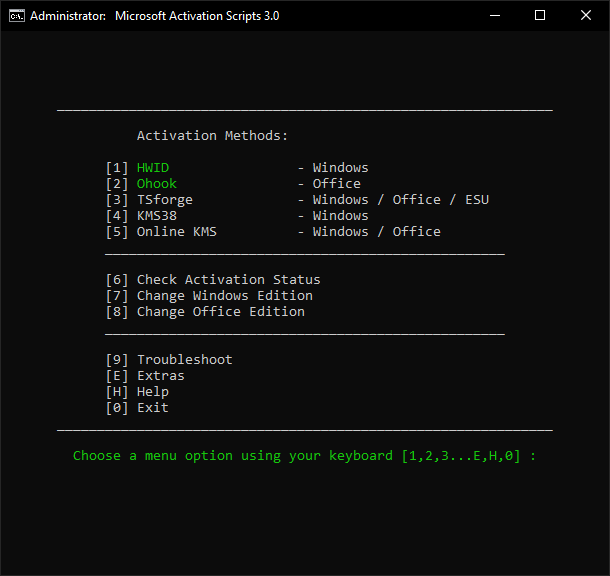
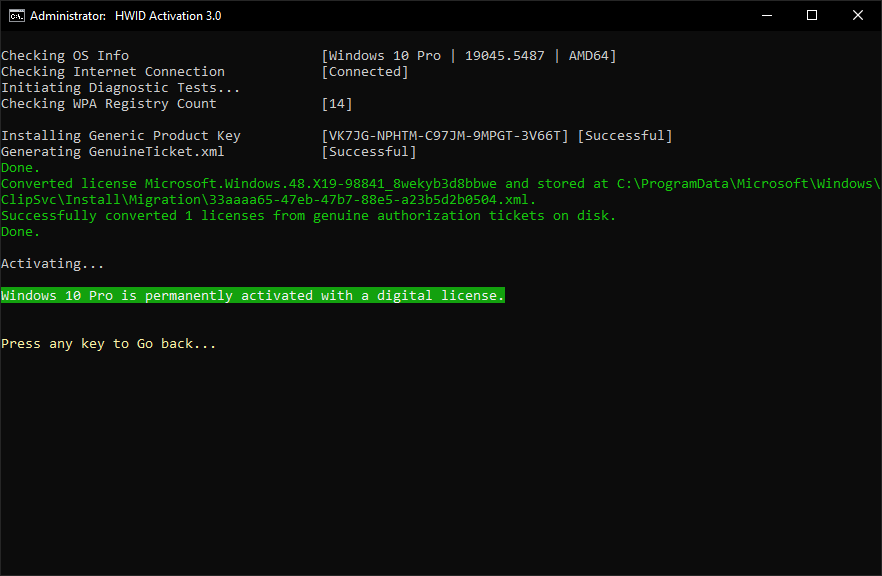
- HWID (Digital License) Method to Permanently Activate Windows
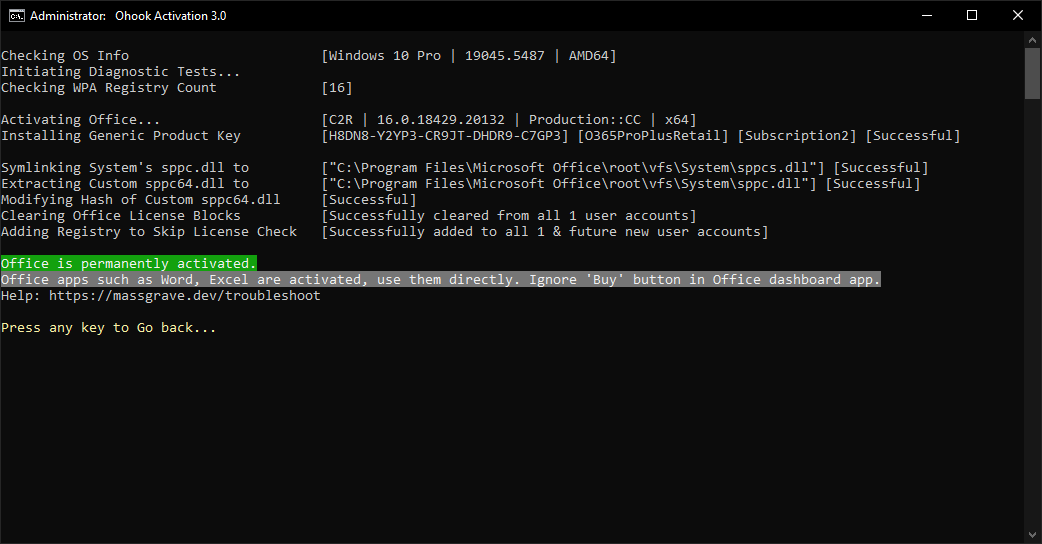
- Ohook Method to Permanently Activate Office
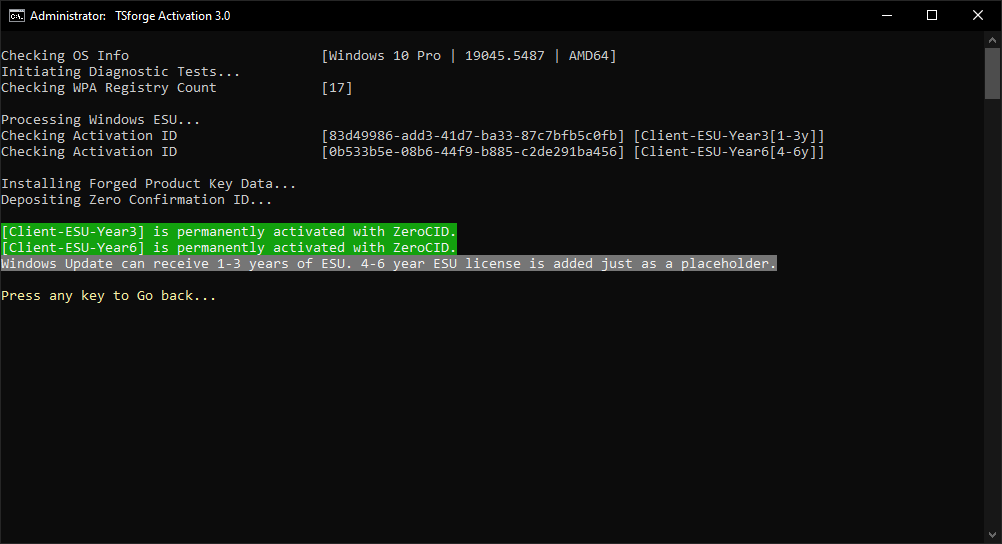
- TSforge Method to Permanently Activate Windows/ESU/Office
- KMS38 Method to Activate Windows Till the Year 2038
- Online KMS Method to Activate Windows/Office For 180 Days (Lifetime With Renewal Task)
- Advanced Activation Troubleshooting
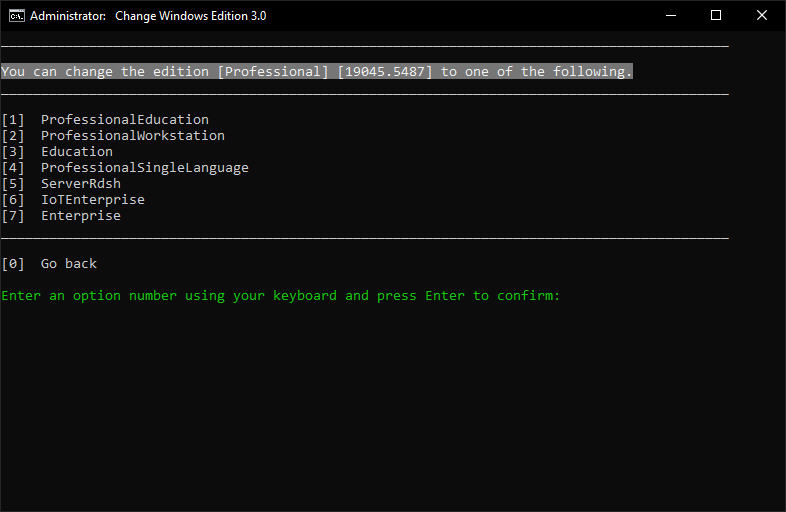
Folders For Preactivation - Change Windows Edition
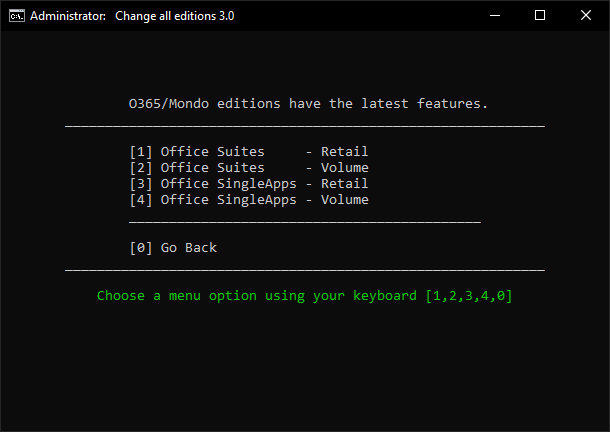
- Change Office Edition
- Check Windows/Office Activation Status
- Available in All In One and Separate Files Versions
- Fully Open Source and Based on Batch Scripts
- Fewer Antivirus Detections
Activations Summary
| Activation Type | Supported Product | Activation Period | Is Internet Needed? |
|---|---|---|---|
| HWID | Windows 10-11 | Permanent | Yes |
| Ohook | Office | Permanent | No |
| TSforge | Windows / ESU / Office | Permanent | Yes, needed on build 26100 and later |
| KMS38 | Windows 10-11-Server | Till the Year 2038 | No |
| Online KMS | Windows / Office | 180 Days. Lifetime With Renewal Task | Yes |
For more details, use the respective activation details in Docs and comparison chart.
To activate unsupported products such as Office on Mac, check here.
Screenshots

Made with Love ❤️